My Proxmox Server Build
A Proxmox server build with a AMD Ryzen 5 5500 CPU and NVIDIA RTX5060-TI GPU
Henry Chen
17 December 2025
My Server Build
A severe thunderstorm knocked out my 2-year-old Beelink SER 5 on the 14th of December. Not only did the server hardware stop working, it also corrupted the NVMe storage - leaving proxmox unable to boot. This would have been an issue if I hadn't backed up the my Immich server the night before to my newly built TrueNAS Box.
Risk Review
Before rebuilding the server, The key mitigations were
- Get an appropriately spec'ed UPS to run both, the Server and the NAS. Significantly reduces risk of hardware failure and therefore, improves uptime.
- Get a second drive for the NAS for improved on-site data redundancy
- Setup off-site backups at Peters to retain data for critical servers (i.e. immich, nextcloud and portfolio)
Power outaged will cause the machine to fail after power-up
Unmitigated Risk
- Impact: Servers fail - results in 5-8hrs of downtime or up to 1 week of downtime and loss of data due to hardware failures.
- Likeleyhood: Power trips 3-5 Times a year and usually lasts for 5-8 hrs. A complete system failure happened once in the 2 years of operation - resulting in 1 week of downtime.
- Risk: Intolerable
Mitigations
To address this, a UPS with surge protection, pure-sine wave output and network connectivity can be used. It will be used to provide enough power to signal to the server and other connected systems of a power outage and initiate a graceful shutdown.
Mitigated Risk
- Impact: The impact is reduced as the system will enter a graceful shutdown after a power outage. The UPS will take the brunt of any surges during the power outage whilst still providing a clean sinusoidal signal to the server. This means the servers will safely remain powered down for the duration of the outage. If the UPS ever fails during such an outage, replacements will take 1 day.
- Likelyhood: A power trip is still just as likely. The Likelyhood of hardware failure due to the outage event is significantly reduced and offset to the UPS instead.
- Risk: Tolerable
System data is unrecoverable after failure events
Unmitigated Risk
- Impact: Critical user data is not recoverable; server hardware has failed; Intolerable costs to recover the data after failure.
- Likelihood: 3-5 Times a year due to power failures alone - each event can cause unrecoverable failure; more failures can happen if specific servers are used incorrectly
- Risk: Intolerable
Mitigations
- On-Site file store to a NAS machine and use NFS fileshares where possible; prevents hard failure during unrecoverable server config
- The NFS share is then periodically backed up both, on-site and remote;
- Off-site backup required and located outside the existing suburb or current power network branch
- Critical servers are designed with backups in mind; Docs provide easy to understand data recovery documentation.
- For system "runtime" files (i.e. files/storage that runs the system) they can remain on device; but the state of the system is periodically dumped and backed up and saved to NFS share;
- Critical server data remains as small as possible and system databases are periodically pulled and saved to a filesystem.
- NAS must have redundant storage in the event the system fails due to outage events - refer to risks and mitigations above.
Mitigated Risk
- Impact: Data loss is no longer catastrophic. In the event of server failure, critical server data is retained on the NAS and off-site backups. Failure on on-site can be recovered if NAS has redundant storage capabilities.
- Likelihood: Failure events may still occur; however, the likelihood of irrecoverable data loss is significantly reduced due to offsite redundancy.
- Risk: Tolerable
The Build
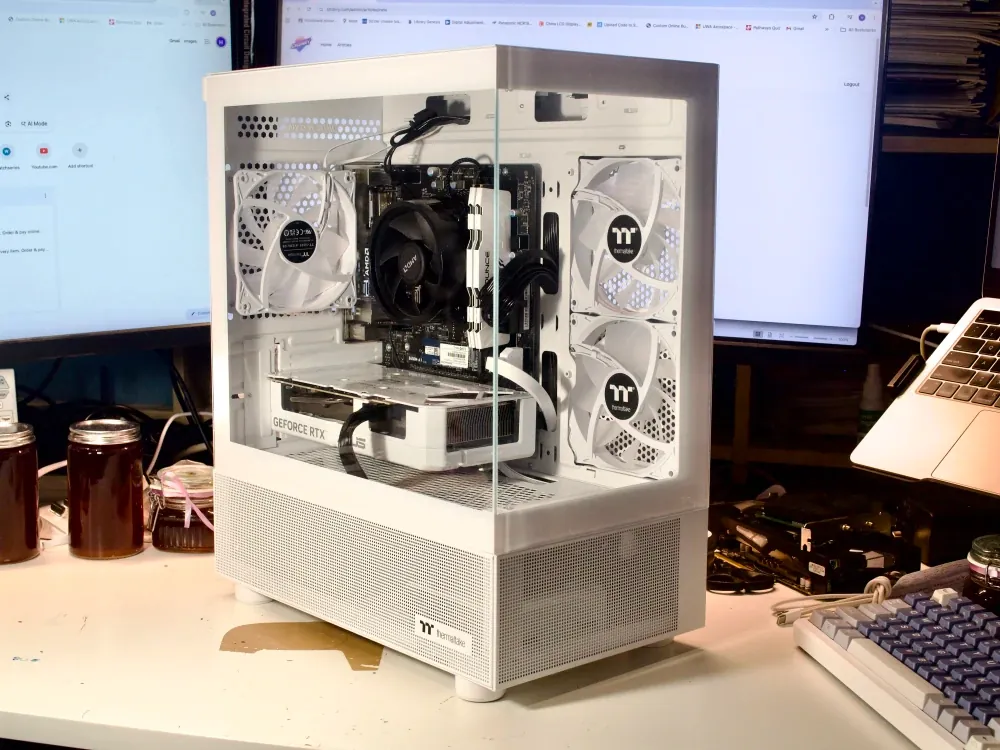
With this, I began my build. I opted for the following part selections. There wasn't much thinking other than the lowest cost AI capable Server.
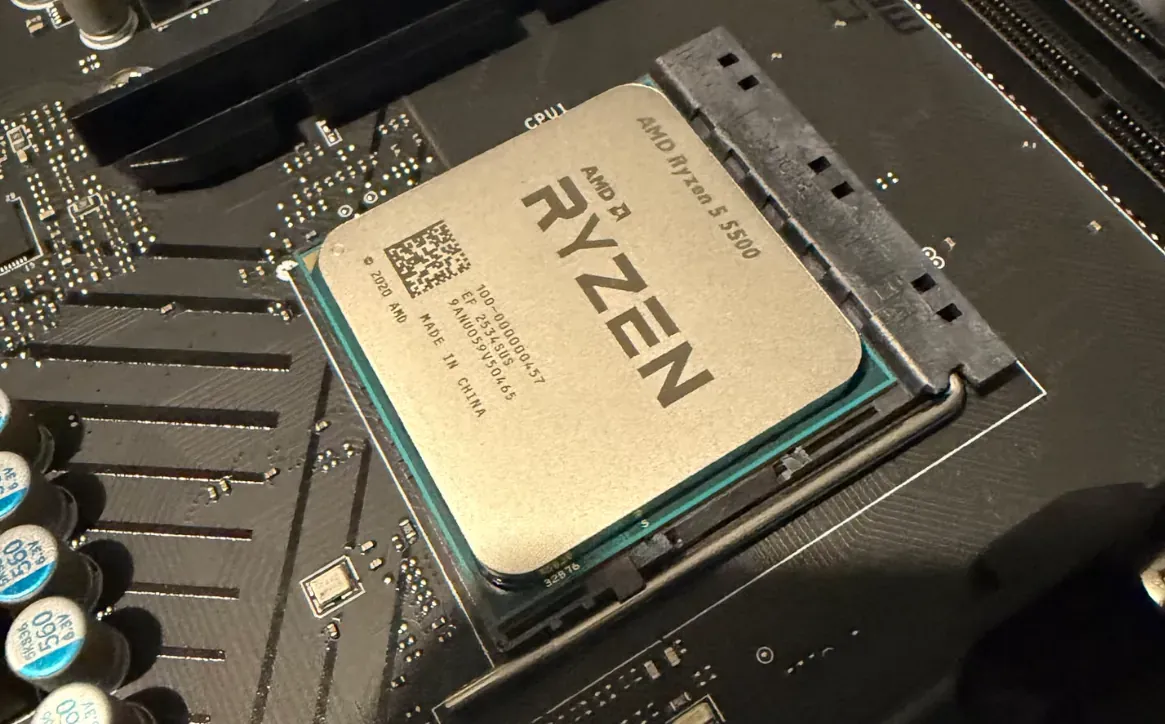
- CPU: AMD Ryzen 5 5500 6 Core AM4 4.20GHz CPU
- RAM: Acclamator DDR4 RAM 32GB
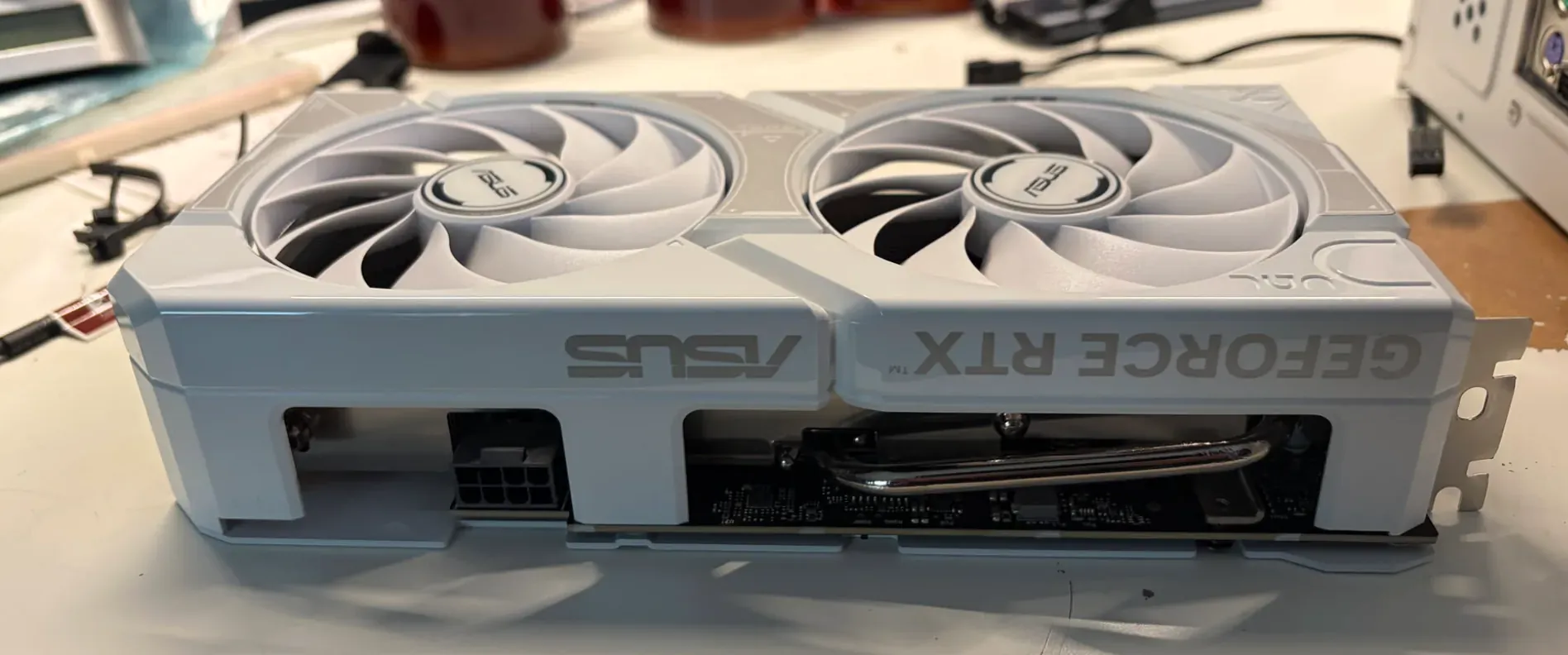
- GPU: Asus Dual GeForce RTX 5060 Ti O16G
- PSU: Gigabyte 650W 80+ Gold ATX Power Supply
- MOBO: MSI B450M-A Pro Max II AM4 mATX Motherboard
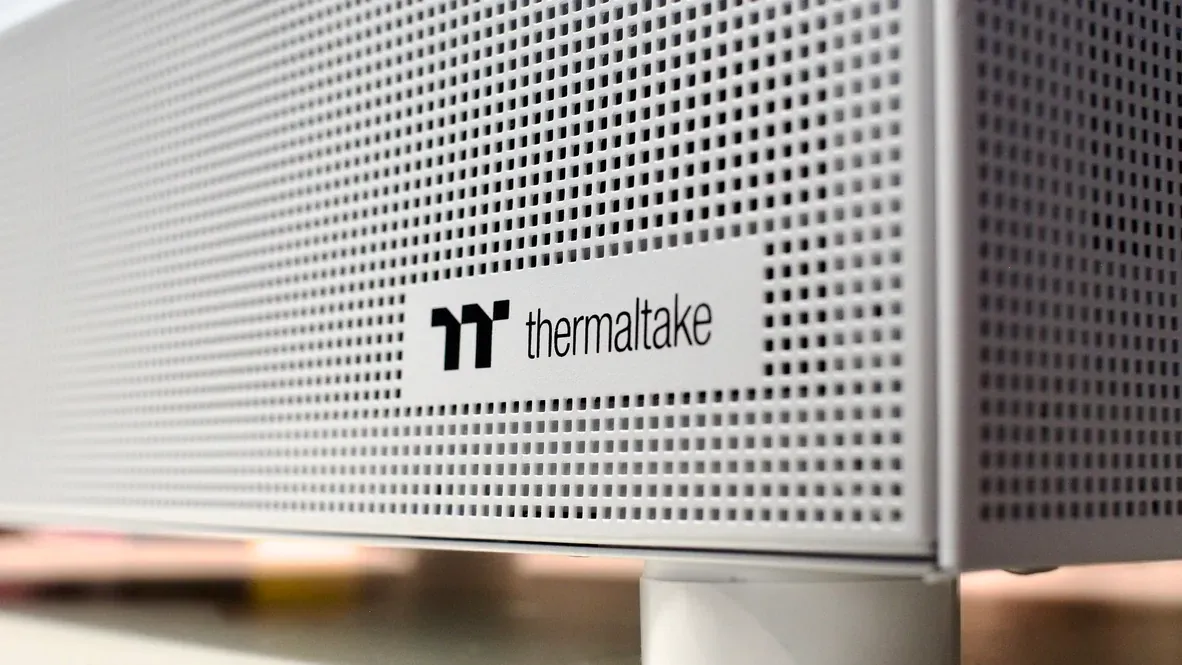
- Case: Thermaltake View 170 TG ARGB mATX Micro Case
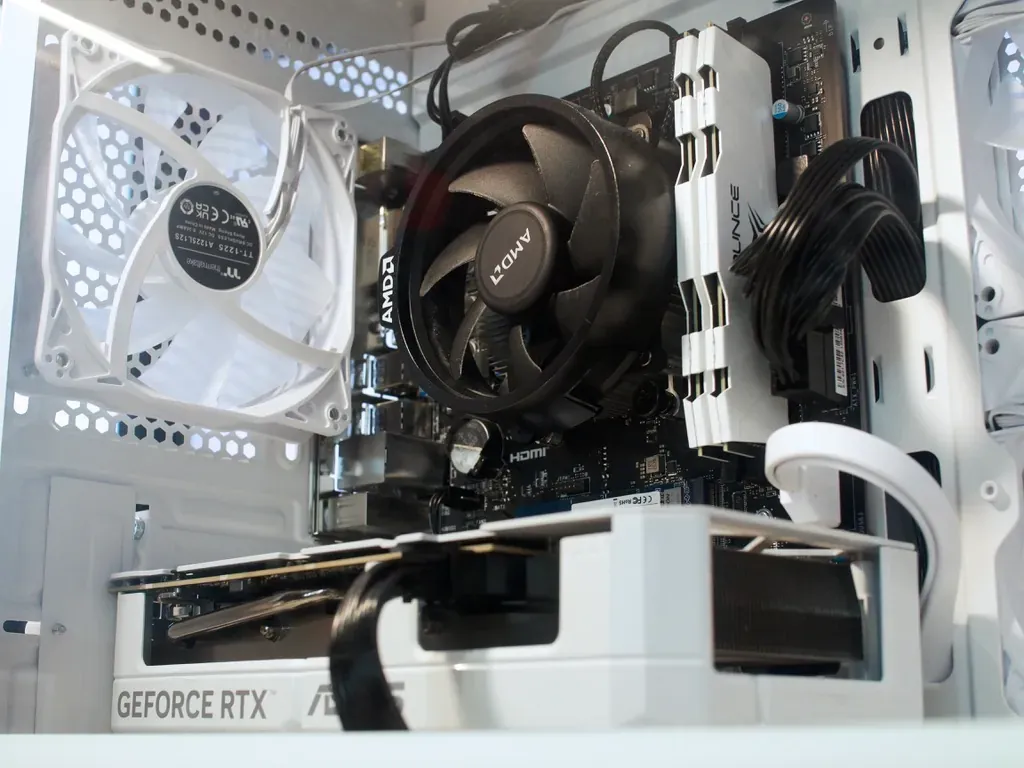
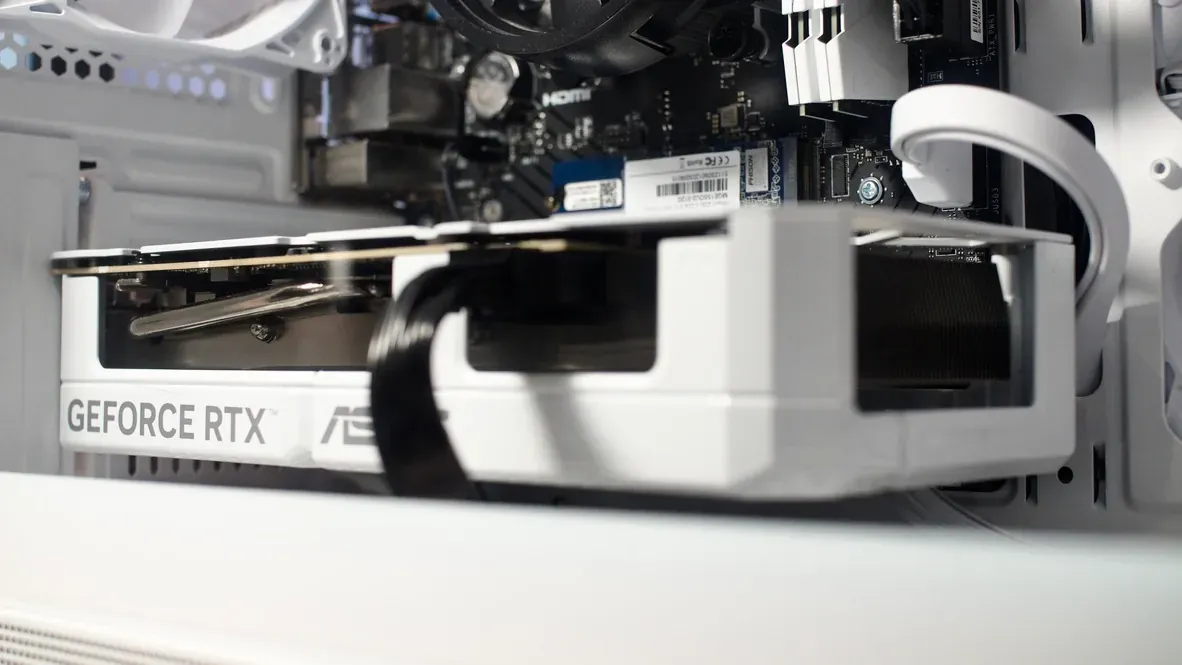
I also left the RGB connectors disconnected and snipped the power button light for the case as this would make it unusable at night.
Power Profile
At idle, the server draws 45-50W. When running ollama and comfyui, the server draws 300W.
Noise Profile
My baseline noise with just the NAS on was 31 dBA. With an unmodified case and cpu cooler, the noise level went up to 36 dBA.
After modifications, the system now runs at 33.6 dBA.
Future Upgrades
-
Reduce the noise of the system by replacing the case fans with Be-Quiet Pure Wings 3 or Noctua fans
- upgrades resulted in a 3dBA drop in noise.
- couldn't use all three fans - additional board modification required to control the final fan is required.
-
Look into lower power system designs as this easily draws 40W at Idle and 300W at full load.
-
Get a UPS for both, the NAS and the Server
-
Add another 4tb to the NAS for redundancy
-
Offsite Backups of critical system data