Subdomains and Caddy
USING CADDY FOR SSL PROTECTED SUBDOMAINS
Henry Chen
8 March 2026
Overview
To manage multiple self-hosted web apps under one domain, subdomains can be a good solution. Caddy, a reverse proxy, enables this on any existing server setup by acting as a middleman between public traffic and your set of web applications. In addition, it enables SSL and automatic Let's Encrypt certificate renewals, enabling your subdomains to appear as certified HTTPS connections. With little configuration, Caddy can automatically handle routing encrypted public traffic to the appropriate web-app intended by the subdomain.
Discussion
There are three steps to enabling encrypted subdomains with Caddy.
- Enabling subdomains on your domain
- Installing and Enabling Caddy on your new or existing server setup
- Configuring the
Caddyfile
Domain Configuration
The domain provider's dashboard can be used to route a set of required subdomains to the static IP address of the server. This is done by adjusting A records to point to the Static IP of the server Caddy is hosted on. It should be noted that DNS record updates can take up to 48 hours, so waiting overnight is normal.
Sample Docker Compose Setup
this config sets up the caddy server then two example servers (app1 and app2). the webservers are configured as flask apps however, this can be replicated with any application that has an exposed port.
- you can infer the server setup; this is just for simplicity when explaining how the system is networked together;
- apps run on speicific ports; exposed within the network but hidden to the public (i.e. not an exposed port on the server)
- caddy is aware of the exposed ports but the public user isnt (either by
ufwand or by design) - caddy shuttles any traffic coming from port 80 and 443 into
app1andapp2
services:
  caddy:
    image: caddy:latest
    restart: unless-stopped
    ports:
      - "80:80"
      - "443:443"
    volumes:
      - ./caddy/Caddyfile:/etc/caddy/Caddyfile
      - ./caddy/caddy_data:/data
      - ./caddy/caddy_config:/config
    depends_on:
      - app1
      - app2

  app1:
    build: ./app1
    restart: unless-stopped
    expose:
      - 3000

  app2:
    build: ./app2
    restart: unless-stopped
    expose:
      - 4000
Caddy File Config
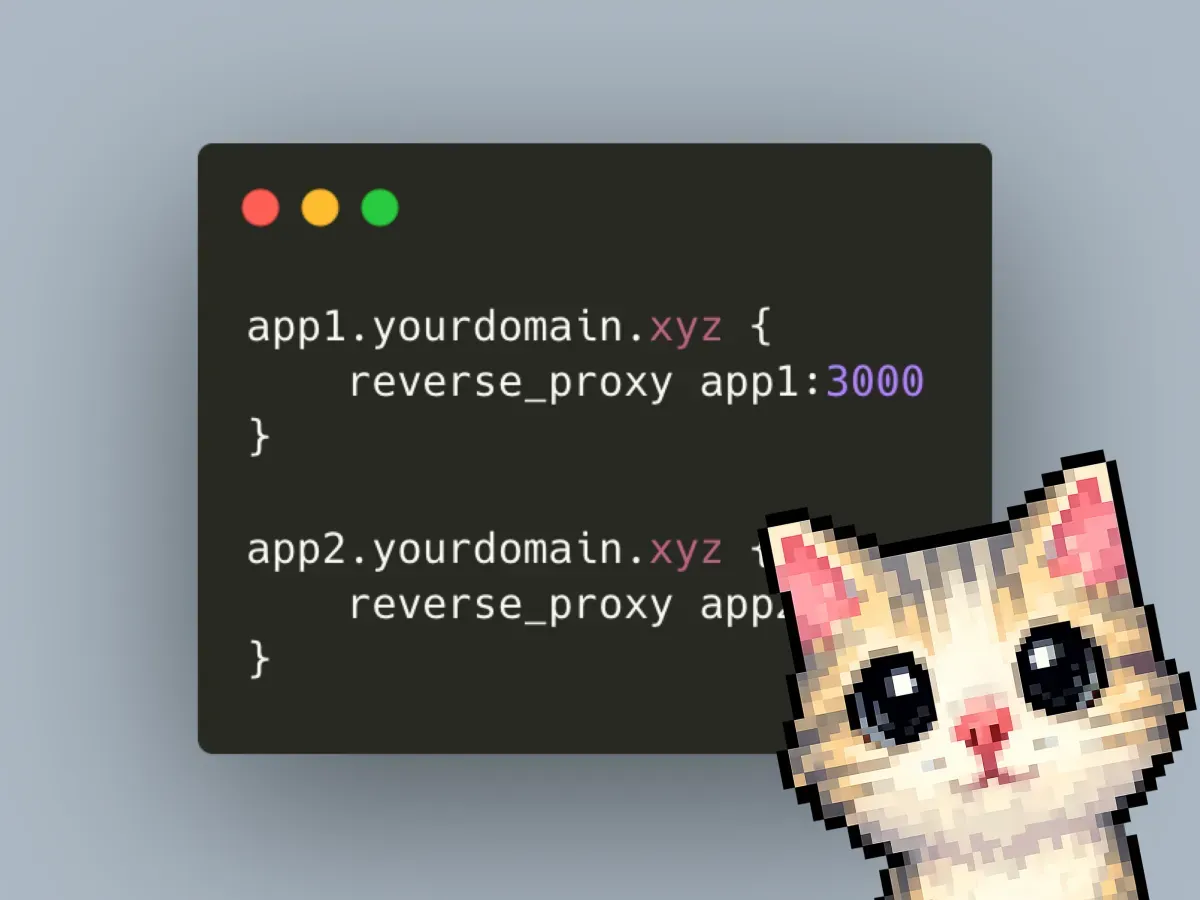
this configures how caddy moves packets between your servers. i.e. when it detects something on port 80/443, it then looks at the subdomain its trying to shuttle to? then if it detects app1, it moves it to the locally hosted app1:3000 url. you can opt to change app1:3000 to any.ip.addr:port you want.
// ./caddy/Caddyfile
app1.yourdomain.xyz { // change this to the actual domain name you'll use
    reverse_proxy app1:3000
}

app2.yourdomain.xyz {
    reverse_proxy app2:4000
}